

Overview
This guide walks you through building a chatbot for your website, using real chatbot examples as a reference point. You will learn how to set a clear purpose, prepare your content, support multiple languages, add the widget without slowing your pages, and monitor answers over time. It also covers the mistakes that most often cause a chatbot to fail.
Most chatbot examples you see online show a finished product. They rarely show the work behind it. The quality of a chatbot depends far more on planning and content than on the widget itself.
If you follow the steps below in order, you will avoid most of the common problems. Each stage builds on the one before it, so start with purpose and finish with monitoring.
How to plan your chatbot’s purpose
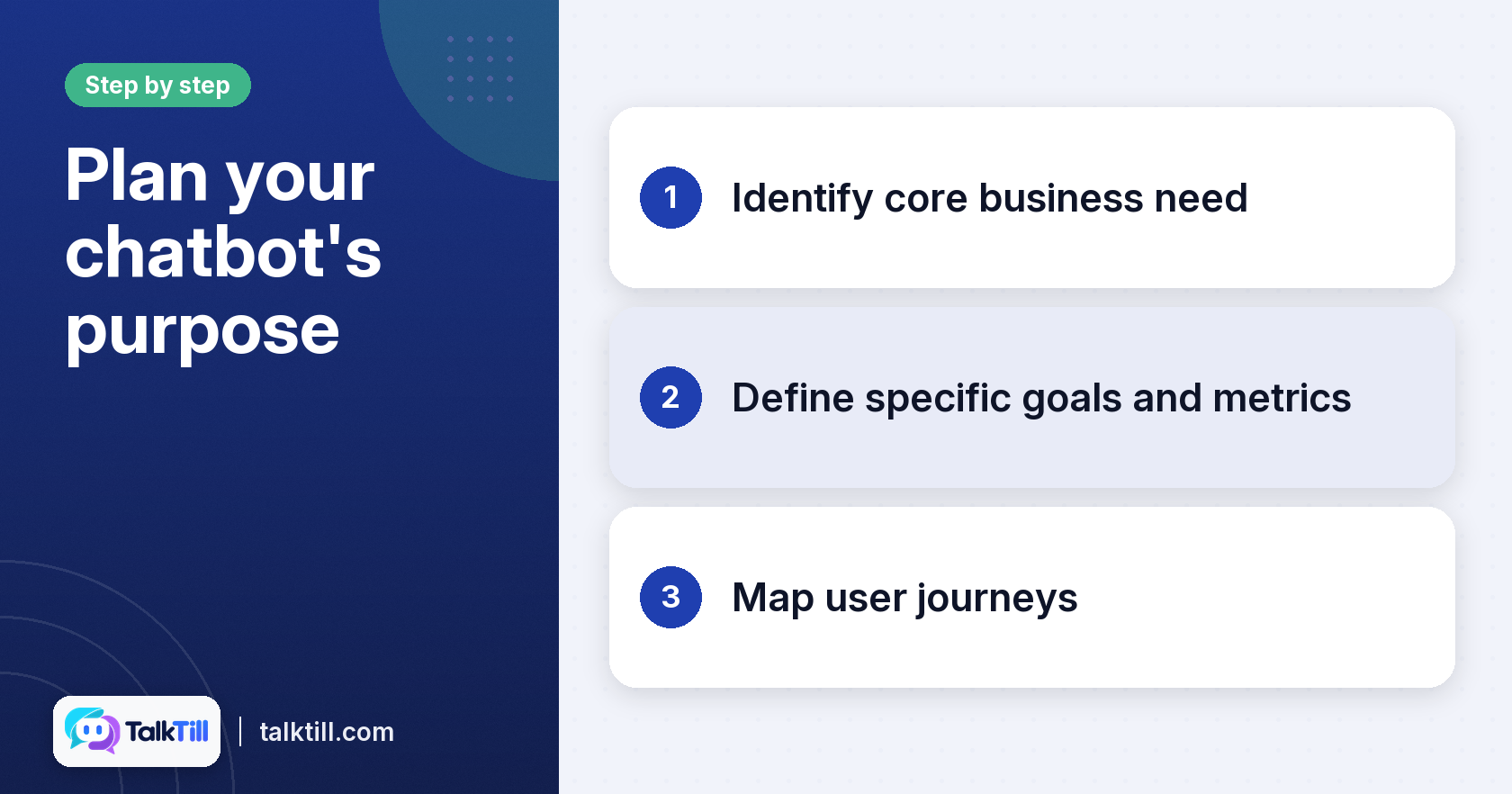
A chatbot works best with one main job. Decide that job before you write a single answer. Your goal might be lead generation, customer support, or help with shopping. TalkTill’s assistant covers customer service, sales, and product discovery, but you should still pick a starting point.
A clear purpose tells you what content to prepare and which features you need.
Step 1: Identify your core business need
Look at the questions your team is asked most. These are often the best candidates for the bot. Common examples are shipping times, sizing, and returns.
Step 2: Define specific goals and metrics
Write down what success looks like. You may want fewer emails to your support team, or more completed orders from chat. We recommend picking one or two numbers you can track later.
Step 3: Map user journeys for your chatbot
Walk through how a shopper reaches the bot and what they need next. A shopper asking about a product may then want the price, stock, and a link to buy. Mapping these paths shows you which information to load first.
How to prepare your content for chatbot examples

The assistant can only answer from what you give it. Gather your website pages, product catalogue and supporting files before you start. TalkTill reads many pages and documents. For WooCommerce stores, it reads the catalogue directly. Shopify is on the roadmap.
Content is refreshed regularly. Train your chatbot on your catalogue and pages to see how the sources fit together.
Step 1: Consolidate your knowledge sources
Collect everything a shopper might ask about in one place. Check that each page is public and that nothing important sits behind a login the crawler cannot reach.
Step 2: Optimise content for retrieval
The assistant reads the way a skimming person does. A size chart written as a real table works far better than one saved as an image. A returns policy that states the number of days in its first sentence is easier to find.
Give each page one clear topic. Use the words a customer would type in the heading.
Step 3: Implement verified answers for accuracy
Some questions must always get the same answer, such as a warranty term or a safety instruction. Write those as verified answers. They are used ahead of anything the crawl found, so the wording stays under your control.
Related: An AI sales assistant that fills the cart, TalkTill
How to implement multilingual chatbot examples
If your shoppers speak more than one language, your chatbot should too. Talktill supports English and Indian languages. It answers in the language and script the shopper chooses.
It also handles transliterated input. A shopper who types Tamil in English letters receives a reply that matches the way they wrote. An AI chatbot for your website that stays light explains how the language options fit into the widget.
Step 1: Choose languages relevant to your audience
Check which languages your customers actually use. Adding a language nobody speaks wastes effort.
Step 2: Account for localised input methods
Many Indian-language keyboards send a word as soon as the user presses Enter, before the word is finished. TalkTill’s message box waits until the word is complete, so shoppers do not send half a word by mistake.
Step 3: Test multilingual responses
Ask the same question in each language you support. Check that the answer is correct, reads naturally, and uses the right script. Fix any gaps with verified answers.
How to integrate chatbot examples into your website
The widget should add value without slowing your pages. TalkTill’s loader is 7.78 KB gzipped. The full panel loads as needed. The launcher does not affect your page layout, and styles stay separate so they do not clash with your own CSS.
Installation is straightforward without a card. On phones, the chat takes the full screen. The header always shows the line ‘You are chatting with an AI assistant’ to keep the disclosure clear. Install an AI chatbot on your website walks through the setup.
Step 1: Select a lightweight and responsive widget
Check the loader size and if the panel loads on demand. A heavy script on every page can slow the shopping experience.
Step 2: Customise appearance and placement
Match your brand colours, logo, and greeting. Choose the corner where the launcher sits. If your brand colour is too pale for white text, the widget chooses a readable text colour automatically.
Step 3: Connect to your e-commerce platform
On WooCommerce, connect the store so the assistant reads live price and stock rather than a snapshot. Other platforms, such as Magento or BigCommerce, are not supported for live prices and stock, so check this before you commit.
How to monitor and improve your chatbot’s performance
A chatbot needs regular review after launch. Talktill saves a trace for every answer. This helps you tell three problems apart: the right passage was never found, it was found but scored too low, or it was used and still misread.
Each problem has a different fix, so the trace saves time.
Step 1: Analyse chatbot traces and feedback
Open the trace for any answer that looks wrong. Decide if the fault lies in your content or in how the answer was built. See why your AI chatbot answered wrongly explains how to read the trace.
Step 2: Refine knowledge and verified answers
Add the right page if it was missing, or rewrite it. Make a passage more specific if it scored just below the line. If the answer remains wrong, add a verified answer for that question.
Step 3: Implement human handoffs effectively
Some questions need a person. TalkTill’s inbox lets an operator take over a conversation. If the operator goes quiet for ten minutes, the assistant takes the conversation back, so the shopper is not left waiting.
Related: How a RAG chatbot answers, stage by stage, TalkTill
Common mistakes to avoid when using chatbot examples
Most failed chatbots fail for the same few reasons. Knowing them in advance saves you a rebuild.
Ignoring content quality and structure
Images of size charts, long unbroken policy pages, and vague headings all make retrieval harder. The assistant cannot read a picture, and it cannot find an answer buried in a paragraph that does not match the question.
Failing to monitor and diagnose errors
Without the trace, a wrong answer looks like a model fault, so teams often rewrite prompts when the real problem sits in the content. Check the trace first.
Neglecting human handoff and support integration
Complex or sensitive questions need a clear route to a person. TalkTill does not connect directly to some helpdesk tools. It is also not available on certain messaging platforms, so plan your support flow around a website widget.
Key takeaways
- Choose one main purpose for your chatbot before you build it.
- Prepare clean, well-structured content, because the assistant can only answer from what it reads.
- Add multilingual support for the languages your shoppers actually use.
- Keep the widget light, and check that it fits your pages and phones.
- Review traces and handovers regularly, and fix problems at the source.
Conclusion
A useful chatbot starts with a clear purpose and good content, then grows through regular review. Use the steps above to plan, prepare, and launch, and keep the trace close after go-live. When you are ready to see it on your own store, you can install an AI chatbot on your website in an afternoon.
FAQs
What is a chatbot with examples?
A chatbot with examples is a chat tool that shows sample questions and answers to explain how it works. The examples help you see the kind of conversations it can handle before you set one up.
What are the top 10 chatbots?
Rankings change often and depend on your needs, such as language support, store platform, or budget. Compare the features that matter to your business rather than relying on a single list.
What are some good examples of chatbots?
Good examples include a shopping assistant that answers sizing and stock questions, and a support bot that hands complex cases to a person. The best examples are ones built from your own products and policies.
What does a chatbot look like?
Most website chatbots appear as a small launcher in a corner of the page. When opened, they show a panel with a greeting, a message box, and replies. On phones, the panel usually fills the screen.
Can a chatbot integrate with my existing systems?
It depends on the system. TalkTill connects to WooCommerce for live price and stock, and it supports webhooks for tools such as help desks. Check the integrations page before you commit, because Shopify is not available yet.
How much does it cost to implement a chatbot?
Cost depends on the platform, the number of pages you load, and the support you need. Check the pricing page for current plans. Note that setup time also depends on how well your content is organised.