

Overview
Using AI in sales means giving software a defined job in your selling process, such as answering buyer questions, pulling account details, or drafting follow-up emails. This guide shows you how to choose that job, prepare your data, deploy the tool, and keep it accurate. We also cover the mistakes that most often cost teams results.
AI in sales is software that handles repeated selling tasks while people focus on conversations that need judgement. The best results come from starting with one clear problem rather than buying a tool and hoping it finds one.
Most sales teams already use it in some form. According to salesforce.com, 87% of sales organisations use some form of AI for tasks such as prospecting, forecasting, lead scoring, or drafting emails. The question now is how to use it well.
What AI tools can do for your sales team
AI tools take over routine work, surface information you can act on, and speed up buyer contact. They help with prospecting, lead scoring, forecasting, account research, and drafting outreach. Each task works best when a person checks the output and chooses what to do next.
An AI sales tool can find account and opportunity information, summarise deal details, locate the right content to send, and draft emails for a person to review. A useful example is a shopping assistant on a store website. TalkTill, for instance, can search the live catalogue by name, need, or budget, read current price and stock, handle product details and comparisons, and add items to the cart inside the chat. The rest of this guide uses that store-assistant workflow as a worked example.
Step 1: Identify your sales pain points for AI integration
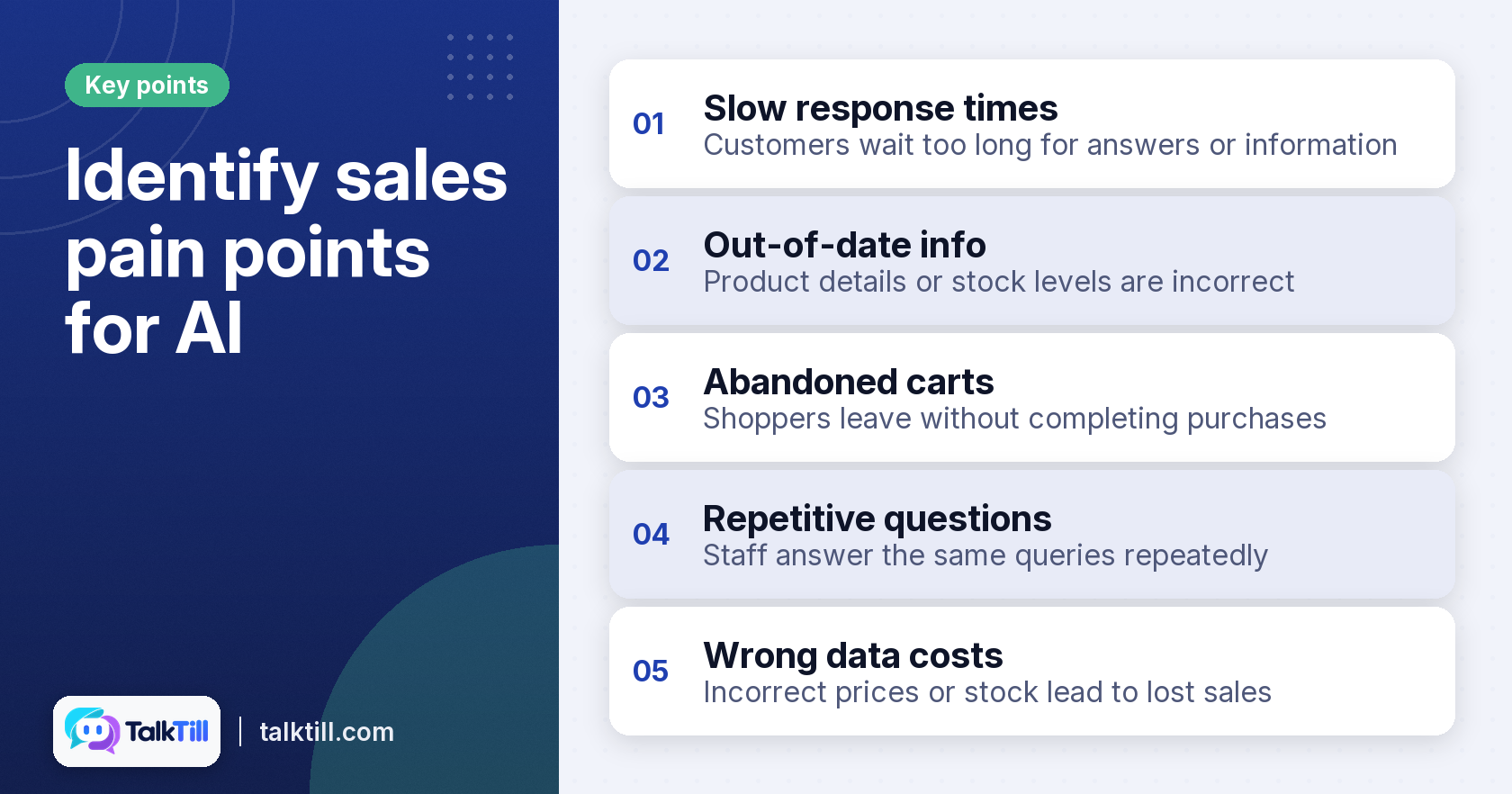
Start by finding where time or sales are lost. Common examples include slow response times, out-of-date product information, and abandoned carts.
Spot repetitive questions
Look for questions your people answer again and again. Pricing, stock, delivery, and sizing questions often fill a sales inbox. These are good candidates for automation because the answers are known and repeatable.
Check where live data matters
Note where a wrong answer costs a sale. If a shopper is quoted a price or told an item is in stock when it has sold out, trust falls quickly. Real-time data access then becomes vital. TalkTill was built with this in mind, reading livestock and prices rather than a snapshot, and it answers in several Indian languages.
Step 2: Choose the right AI sales representative tools
Pick tools that show how they reach an answer, connect to your live data, and can act on a sale. A tool that only writes text will not change much on its own.
Look for visibility
Pick a platform that lets you diagnose answers. When an answer is wrong, you must find which source passages produced it, because a missed page and a misread page need different fixes. Talktill shows each reply’s receipt in a playground before a shopper sees it, so you can test answers before they go live.
Look for actions and language support
Check if the tool can connect to your store’s live data and take actions like adding items to cart or checking order status. If your shoppers use more than one language, confirm it answers in those languages and scripts. Talktill supports English and nine Indian languages.
Step 3: Train your AI on your sales content and catalogue
The AI is only as good as the content it reads. Well-structured pages give better answers than long, mixed ones.
Structure pages around single questions
Give each page one clear question in its heading. A size chart published as a real table is easier to retrieve than one shown as an image. A returns policy that states the number of days in its first sentence is easier to find. These choices help skimming shoppers and the assistant alike.
Keep the data current
Decide how often content is re-read. TalkTill can read PDF, text, Markdown, HTML, CSV, and Excel files, and it can refresh by hand or on an hourly, daily, or weekly schedule. Price and stock are always read live, which stops the assistant offering something that has already sold out.
Step 4: Integrate and deploy your AI sales agent tool
Put the tool where shoppers already are. Make sure it does not slow the page down, or it will be ignored or closed.
Keep the page fast
Check how much the tool adds to your page. TalkTill’s loader is 7.78 KB, and its 37.97 KB chat panel only loads once a shopper opens it, so the page stays light. Test the result on a phone on a weak connection, since many shoppers use that setup.
Deploy consistently
Use the same assistant on every page so the experience matches. TalkTill offers a WooCommerce plugin or a single script snippet, and it adapts to desktop and mobile screens. Test the greeting, colours, and placement before you publish.
Step 5: Monitor, refine, and scale your AI sales efforts
Once the tool is live, review what it does and expand only after it performs well. Monitoring is where most of the value comes from.
Handle the questions it cannot answer
A good assistant says when it does not know and offers a person. Talktill saves these unanswered questions to a review queue. Check the queue weekly. It shows questions the assistant could not answer, and for each one, find if the cause was missing content, weak retrieval, or something else before you make changes.
Review the trace
Use the answer trace to find which source passages produced a reply. This helps you locate the content behind a good or bad answer. Talktill can also send events such as captured leads and completed orders to your CRM or backend. Measuring the assistant against sales results means confirming how those events are attributed in your own setup.
Common mistakes when using AI in sales

Most failures come from a few avoidable errors.
Using AI without visibility
If you cannot see which sources shaped an answer, you cannot fix it. Choose tools that let you trace answers back to their sources, and check them when something goes wrong.
Letting AI answer everything
An assistant that never admits it does not know is unsupervised, not confident. A shopper sold the wrong item leads to a return, not a loyal customer. Build in a clear handover to a person.
Working from old data
An answer based on yesterday’s stock or price can lose a sale or create a complaint. Use live data wherever the answer depends on it, and keep written content up to date.
Key takeaways
- Start with one clear sales problem, such as repeated questions or slow replies.
- Choose tools that show which sources inform answers and can use live data.
- Structure your content around single questions, and keep it current.
- Keep the tool light, test it on mobile, and deploy it consistently.
- Review unanswered questions and answer traces to refine performance.
Conclusion
Using AI in sales works best when you give it one defined job, feed it accurate and current content, and check its answers regularly. Start with a problem that costs you time or sales, then expand once the results hold up. If you run a store and want to see how a live-data assistant would handle your catalogue, you can book a 30-minute demo on your own store.
Sources
FAQs
How to use AI to generate sales?
Use AI to answer buyer questions, recommend products from live catalogue data, and capture leads that your team follows up on. Where the tool can act, such as adding to cart, a buyer can complete a purchase in the same conversation.
What are 5 positive impacts of AI?
AI can reduce repetitive work, speed up replies, improve access to accurate information, free staff for complex conversations, and provide data you can use to refine your sales process. The benefit depends on how well you set it up and monitor it.
What are the 5 most popular AI tools?
Popularity changes quickly, so judge tools by fit rather than rank. Match the tool to your job, such as a shopping assistant, a CRM assistant, or a writing aid, and test it on your own content before you commit.
What is the 3 3 3 rule in sales?
The 3 3 3 rule is a sales guideline that teams sometimes use to plan outreach, but its exact meaning varies between organisations. Check how your own team defines it before relying on it, and adapt it to your customer contact patterns.
How does AI improve customer engagement?
AI can help shoppers get answers when they ask, drawing on the product information available to it, and it can surface relevant products quickly. It also hands the conversation to a person when a question is too complex, which keeps the buyer moving forward. Results depend on your content and setup.
Can AI handle complex sales queries?
AI manages clear, well-documented questions well, but unusual or complex ones need a person. A good assistant declines when it lacks an answer and offers a handover. We recommend reviewing these cases often to decide what to add to your content.