Overview
Can you get an AI chatbot for your website for free? The site material I can confirm does not say if TalkTill offers a free plan, so this guide cannot promise one. Instead, it explains what a free chatbot should include, how to test one, and why source tracing matters. You will learn how to check each answer a bot gives and fix the wrong ones.
An AI chatbot for your website is a tool that answers shopper questions using your own pages and product data. Source tracing shows which page each answer came from.
What should a free website chatbot include?
A useful free AI chatbot gives you a clear monthly allowance, loads quickly, and states its pricing plainly. It should also work in the languages your shoppers use. Check these points before you sign up.
Key features for small business success
Look for a plan that covers real conversations, not just a count of trial messages. TalkTill’s Growth plan includes 1,000 AI replies a month, along with sourced answers, product cards, cart functionality, and ten languages. The site does not state that Growth is free, so confirm the current price directly on the TalkTill plans page. Also ask if any free tier includes live product data, because outdated prices cause more trouble than slow replies.
Ensuring site speed and performance
A chat widget should never slow down the page a shopper came to read. TalkTill’s widget is designed to be light. Its loader is 7.78 KB, and the 37.97 KB chat panel loads only when a shopper opens it. You can test this yourself by checking your page speed before and after adding the snippet.
Multilingual support for diverse customers
If your shoppers write in regional languages, you should test common questions in each one. We recommend testing before you launch, because it helps you find errors. TalkTill’s assistant speaks English, and nine Indian languages, including Tamil, Hindi, Telugu, Kannada, Malayalam, Marathi, Bengali, Gujarati, and Punjabi, and it answers in the language a shopper chooses.
How can I get an AI chatbot for my website and see its internal workings?
Choose a platform that keeps a trace log for every reply. Without one, you can only guess why a wrong answer happened.
Understanding AI chatbot trace logs
Tracing means recording the steps behind each reply, so you can see what the bot used to answer. Many platforms hide this step, which is why it is worth asking about before you commit.
A checklist for testing a free chatbot before launch
Before you put any chatbot in front of shoppers, work through these checks
- Ask ten questions that real shoppers actually send, including ones about price, size, and stock. - Confirm that a sold-out product is not recommended and that a changed price shows the current figure. - Test each language your shoppers use, including questions typed in English letters. - Open the trace for every wrong or vague answer and note if the right page was missed or misread. - Check the crawl report for any pages that failed to load. - Measure page speed before and after adding the snippet. - Confirm the AI disclosure is visible to shoppers. - Fix one issue at a time, then rerun the same questions.
Debugging wrong answers with source tracing
Imagine a shopper asks about a dosa tawa, and the bot quotes the wrong price. The trace shows if the right product page was missed, or if the page was read and misunderstood, and these two causes need different fixes, to correct the error, and provide a good user experience.
TalkTill’s playground shows each reply’s receipt before a shopper sees it. For every answer, it lists up to twenty candidate passages with the source page, a text preview, and a score. A line marks the threshold, so you can see which candidates were used and which were dropped.
The importance of transparency in AI responses
It is bad if an answer is wrong. Transparency lets you test the bot before shoppers do, and it also tells you which pages need clearer headings, or updated text, to provide accurate answers, and a good user experience, for your shoppers.
What are the benefits of an AI chatbot with source tracing for my website?
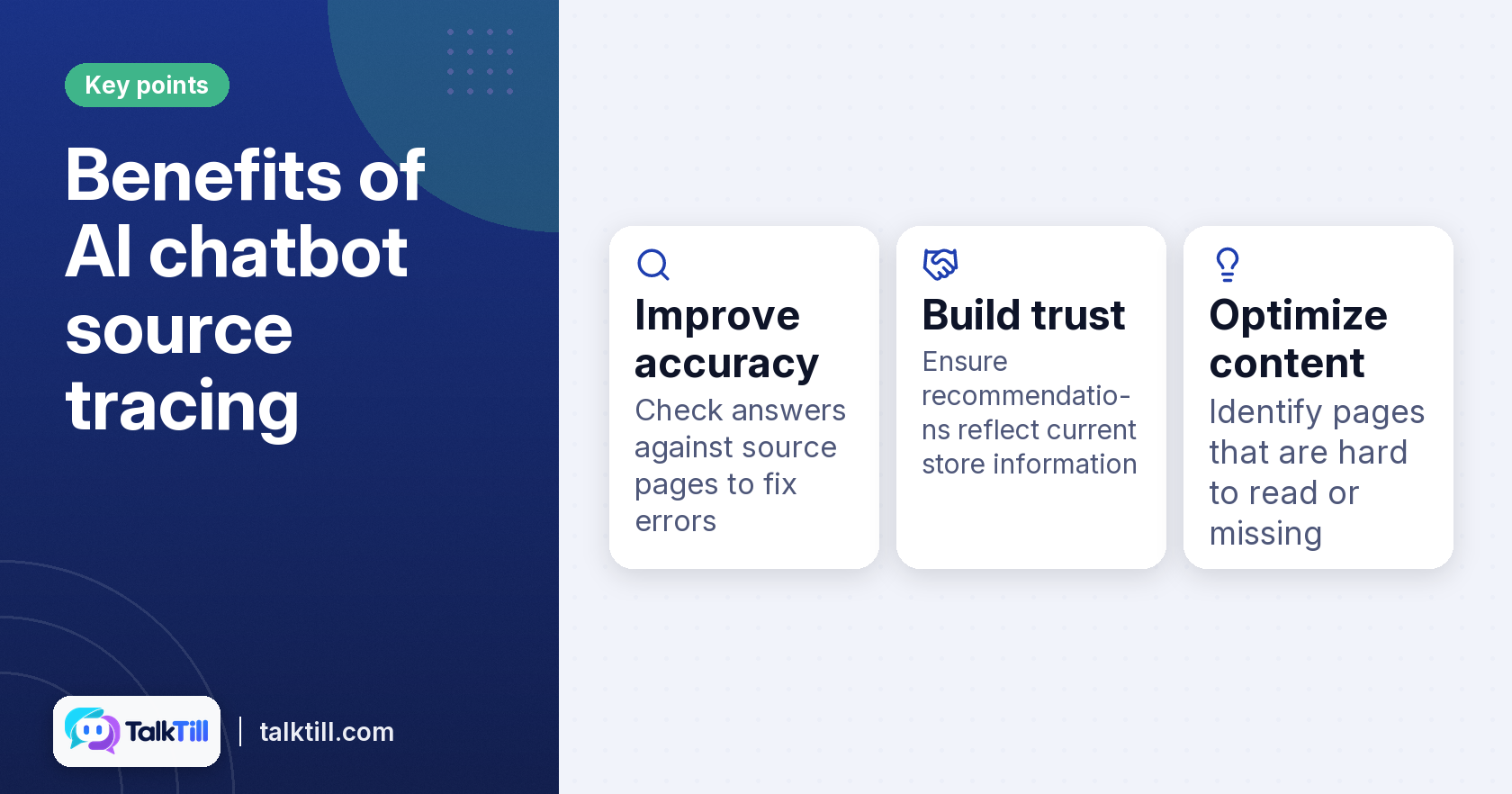
Each answer can be checked against the page it came from.
Improving accuracy and reliability
Source tracing tells you if the bot failed to find the right information or read it wrongly. Each cause calls for a different change. You may need to rewrite a page heading, add a size table, or correct an old price. Make one change at a time, then test the same question again.
Building customer trust and compliance
Recommendations should reflect the store’s current information. TalkTill reads live price and stock from WooCommerce, which keeps product details in line with the store. The AI disclosure, “You’re chatting with an AI assistant”, stays visible in the header. This matches what the EU AI Act expects.
Streamlining content optimization
If a page never appears in answers, its content may be hard to read or missing from your sources. Pages that answer one question each, with that question in the heading, tend to be found more often.
How does an AI bot for website integrate with my existing store?

An AI bot for your website connects in a few steps. You give it your store’s URL, connect your product data, and add a snippet or plugin. You can start on the TalkTill homepage.
Seamless data synchronization
Paste your homepage URL, then connect WooCommerce for live price and stock. The catalogue syncs on its own. Crawl reports list every page read and any page that failed. Check that report first if an answer seems out-of-date.
Customizing the chatbot’s appearance
We recommend you set your colours, logo, greeting, corner position, and distance from the edge. If your brand colour is too pale for white text, the widget chooses readable text on its own. You can customize the design to suit your needs.
Supported content types and update frequency
The assistant reads PDF, text, Markdown, HTML, CSV, and Excel files. You can update sources manually or on a schedule. It helps you keep price and stock information live. A product that changes often may need a faster update schedule than a size guide that rarely changes.
Key takeaways
- A free AI chatbot should include a clear monthly allowance, a light widget, and support for your shoppers’ languages. Confirm pricing directly, since TalkTill’s free availability is not stated in its site material. - Trace logs show the product found, the passages read, their scores, and why any candidate was dropped. - Source tracing tells you if a wrong answer came from a missed page or a misread one. - Live price and stock sync, a visible AI disclosure, and a crawl report help keep answers accurate. - Setup takes a URL, a product data connection, and a snippet or plugin.
Conclusion
Free access to a website chatbot depends on each vendor’s pricing, and TalkTill’s free availability cannot be confirmed from the material available, so check its current plans before you sign up. Evaluate any option by its allowance, page speed, language support, and trace logs. Choose the platform that shows a trace for every answer, because that record tells you why a wrong answer happened so you can fix the right page.
FAQs
Can an AI chatbot handle multiple languages?
Yes, some can. TalkTill answers in English and nine Indian languages, using each language’s own script. Test common questions in every language your shoppers use before you launch.
How does an AI chatbot affect my website's loading speed?
A well-built widget loads a small file first and the chat panel only when opened. TalkTill’s loader is 7.78 KB, and its panel is 37.97 KB and loads on first open. Measure your page speed before and after to confirm the effect on your site.
Is it possible to hand over a chat to a human agent?
TalkTill’s plans include human handover and a team inbox. Check the plan details to confirm what your chosen plan includes.
What kind of analytics can I get from an AI chatbot?
Trace logs show the source pages, scores, and dropped candidates for each reply. They also show which pages were read and which failed during a crawl. Use these records to find gaps in your content.
How secure is customer data with an AI chatbot?
Ask any provider where chat data is stored, how long it is kept, and who can access it. Read the provider’s privacy policy before you connect your store.
Can I customise the appearance of the AI chatbot on my website?
Yes. TalkTill lets you choose one of four design styles, your colours, your logo, your greeting, and the corner it sits in. It also adjusts text colour for readability.