
Overview
This article walks through one hypothetical small store, step by step, to show how a chat interface can guide a shopper from a first question to a completed purchase. It draws out the practical lessons along the way. You will see where live data, in-chat actions and human handover make the difference. It is written for store owners who want to picture the process before they commit to it.
Conversational commerce is the use of a chat conversation to help a shopper find, choose and buy a product. The chat can guide the shopper through product discovery and cart actions, so the shopper does not have to search a menu and click through several pages. Checkout takes place on the store’s own checkout page.
What is conversational commerce and why does it matter?
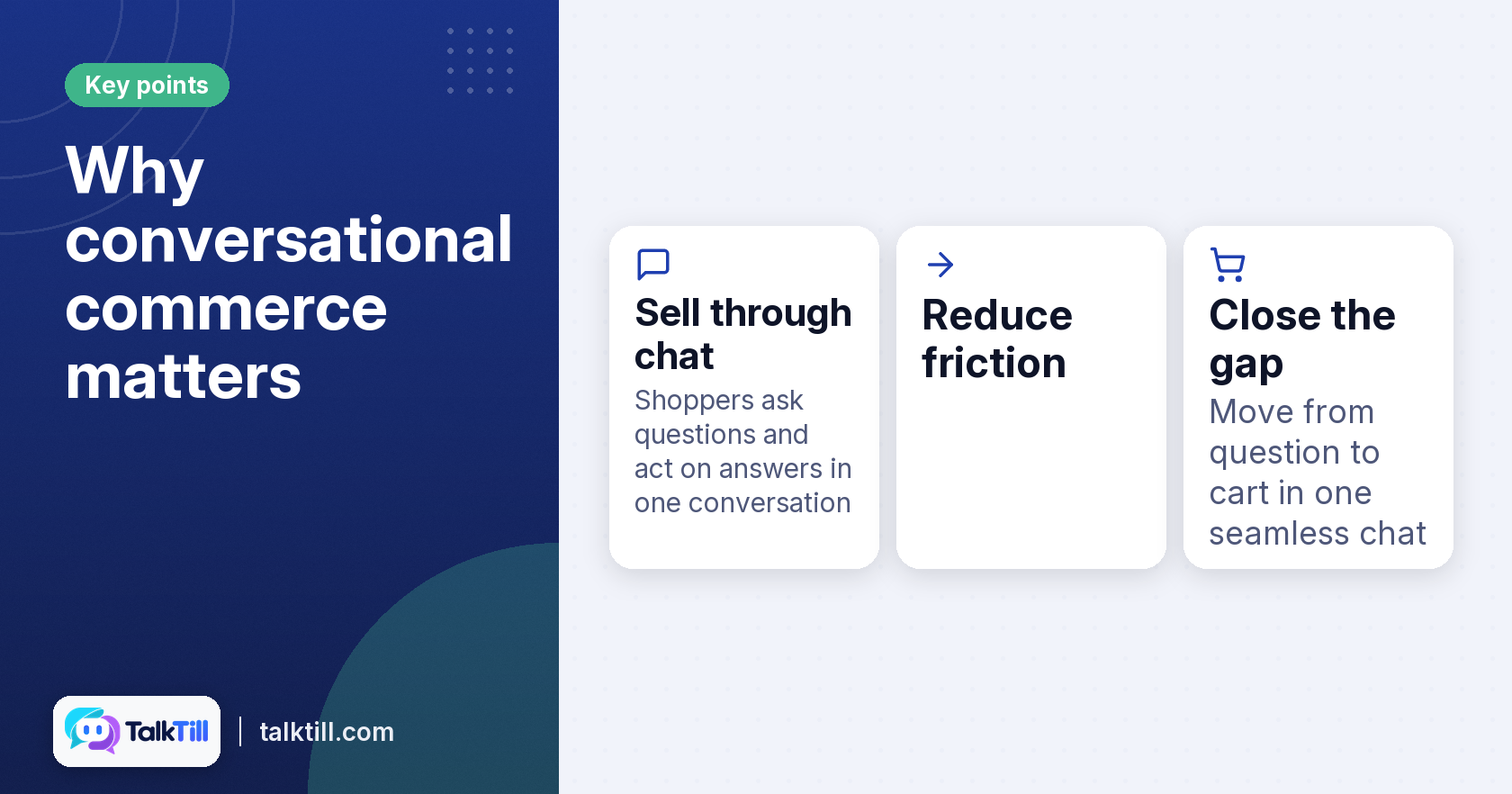
Conversational commerce is selling through chat. The shopper asks a question, gets a useful answer, and acts on it in the same conversation. Each extra page is a chance for the shopper to leave.
When a shopper can move from question to cart in one conversation, there is less to lose along the way. A chat that answers accurately and lets the shopper add an item to the cart closes that gap.
A hypothetical scenario of conversational commerce in action

It is a small café that sells speciality coffee beans online. You have a range of products and a loyal group of repeat buyers. Most questions reach you by email, and many go unanswered on busy mornings.
The café adds a chat assistant to its website. The example below follows one shopper through the process.
The customer’s journey from question to cart
The shopper lands on the coffee page and types that they want something for a home espresso machine. The assistant asks one short follow-up about taste and brew method. It then suggests two beans that suit the answer, with a product card for each.
If you ask about the first bean, our assistant answers from the published product details. You then ask about stock. Our assistant provides information on availability. You add one bag to the cart, apply a coupon code, and check the total before leaving, to ensure that all is in order and the transaction is correct.
How the assistant handles product details and live inventory
The most useful part of this example is that the assistant reads live stock and prices, not a copy made last week. A recommendation for a bean that sold out this morning would frustrate the shopper and cost the café a sale. So the assistant checks the store at the moment of the answer.
The shopper in this example also writes in Tamil, and the assistant replies in Tamil so you can follow every step. Shoppers in India often write in more than one language, so this matters. TalkTill’s assistant speaks English and nine Indian languages, and it loads a light script, with a chat panel that loads only once you open it.
Completing the purchase within the chat
The chat adds the item to the store’s own cart, and the shopper then continues to the store’s checkout page to pay. The shopper does not need to search for the product again or retype the coupon.
Check the last step carefully. Ask a friend to run through the chat on a phone, from first question to a cart with a coupon applied. If they get stuck anywhere, fix that stage first.
Key lessons from this conversational commerce example
The café example shows that conversational commerce is only as good as its data and its actions. A chat that answers well but cannot add to the cart still sends the shopper elsewhere. A chat that quotes last week’s price creates a refund request.
The power of live data and in-chat actions
Three things made the café example work: live catalogue search, product comparisons and in-chat actions. The shopper could compare two beans, check stock, add to the cart and apply a coupon. Each step removed one reason to leave.
The assistant uses a retrieval approach. TalkTill calls this a RAG chatbot, short for retrieval-augmented generation. It finds passages from your own store content and catalogue, then writes the answer from those passages. It does not rely on what a language model remembers from training, which keeps the answer tied to what your store actually says.
Multilingual support and accessibility
Shoppers choose a language, and the assistant answers in that language and its own script. If a shopper types Tamil in English letters, the assistant answers the way they wrote.
Transparency and human handover
Sometimes the assistant will not know the answer. A good assistant says so and offers a person. In the café example, a question about delivery to a remote area would get a reply saying the assistant does not have that information.
TalkTill saves the question and answer to a review queue, so the owner can see the gap and fill it. The chat also shows a short AI disclosure in the header before the first reply, telling the shopper they are talking to an AI assistant, not a person.
Implementing conversational commerce for your online store
To set up conversational commerce, connect an AI assistant to your store’s catalogue and pages. The assistant needs to search products, answer content questions and manage the cart.
Connecting your store and catalogue
Point the assistant at your store by pasting your homepage address, so it can read your pages. If you run WooCommerce, connect the store as well, which gives the assistant live price, stock and cart actions.
Check which platform you use before you plan. TalkTill supports WooCommerce for live commerce actions, with Shopify next on the road map. Magento and BigCommerce are not yet supported for live price, stock and cart actions, though a crawl can still answer content questions on those platforms.
Configuring and testing the AI assistant
Test the assistant before showing it to shoppers. You can ask questions in TalkTill’s playground. It shows replies a real shopper would ask. If a reply quotes the wrong price, the receipt shows the right page was missed or misread, and you can fix this.
Write a list of ten questions and check each answer by hand. Include one about stock, one about a coupon and one about a product you no longer sell. Those three tend to reveal the weakest parts of the setup.
Integrating with your website
Once the test answers look right, add the assistant to your site. We recommend using TalkTill. You get a short snippet to paste into your pages. If you use WooCommerce, you can also install the plugin and enter your widget ID instead, which is easy to do.
Choose a design that fits your brand, including colours, logo, greeting and the corner the chat sits in. Check the result on a phone, since many shoppers in India will use one.
Key takeaways
- Conversational commerce lets a shopper move from question to cart in one chat, with checkout completed on the store’s page.
- Live stock, price and cart actions stop the assistant from quoting outdated information.
- Multilingual replies help shoppers who write in more than one language.
- A good assistant admits when it does not know and hands the question to a person.
- Connect and test the assistant against your real catalogue before you publish it.
Conclusion
It is the case that conversational commerce works when the chat can answer accurately and help the shopper reach a finished cart. You can see this in the café example, which shows a clear question, live stock, a coupon, and a cart you can check before paying. For a small store, the right setup starts with your own catalogue and a short round of testing, to ensure that the assistant is properly configured and functioning as intended.
If you want to try this on your own store, TalkTill’s playground lets you test replies against your catalogue before you publish. For more background on choosing an assistant, read our guide to AI Chatbot for the website: Compare Options, Pick the Best Fit.
FAQs
What is the difference between a chatbot and conversational commerce?
A chatbot is a tool that answers messages. Conversational commerce is a use of that tool to guide a shopper through buying. The difference is if the conversation can carry the shopper through to a cart and checkout.
Can conversational commerce integrate with existing e-commerce platforms?
Yes, but the depth of integration depends on the platform. TalkTill supports live price, stock and cart actions on WooCommerce, with Shopify next on the road map. Magento and BigCommerce are not yet supported for live commerce actions.
How does conversational commerce handle customer support issues?
When the assistant cannot find an answer, it says so and offers to hand the chat to a person. The question is saved for review, so the store owner can close the gap.
What are the benefits of using AI in conversational commerce?
AI can help shoppers find products by need, budget or preference, and it can compare products side by side using the store’s own details. It can also help a shopper choose a size or colour and add an item to the cart, which keeps the buying journey in one conversation.
Is conversational commerce suitable for all types of businesses?
It suits stores with a clear catalogue and regular product questions. You may need less support if you sell a small range with simple choices. Start with your most common questions and see if a chat would answer them, which can help you decide.
How does conversational commerce improve the customer experience?
It removes the need to search menus and open several pages. The shopper can ask, compare, check stock and add to the cart in one place. A clear answer about stock or price also builds trust, because the shopper can see the information is current.